
A maintenance window is only useful when the change and recovery path are understood. Inventory dependencies, verify a restorable backup, stage the update where practical, notify affected users and define a rollback trigger before work starts. This guide turns that point into a practical review for a Bangladesh-based team, with checks that can be recorded and repeated.
Start with the real need
Server operations need a known baseline, controlled change process and tested recovery route. Track capacity and dependencies before an upgrade, patch or migration; a healthy dashboard alone does not show whether an application and its data can be restored. For “Plan Server Maintenance With a Tested Rollback”, write down the current state before making a change: the owner, the systems involved, the customer-facing effect and the evidence that would show improvement. This keeps a reasonable idea from becoming an unmeasured change.
A practical workflow
- Alert on actionable thresholds and route notifications to an on-call owner.
- Restore application data and verify the service after recovery.
- Inventory operating system, runtime, storage, network dependencies and support dates.
- Apply changes in a test environment first and keep a rollback step.
- Keep a dated record of the decision, test result, responsible person and rollback or follow-up action.
Plan for Bangladesh-based visitors and teams
Check the experience from the networks and devices your audience actually uses. Make contact, pricing, service limits and next steps easy to find; a desktop test or one successful connection does not represent every visitor. Protect personal information, collect only what the task needs and provide a clear way to request help. Server operations need a known baseline, controlled change process and tested recovery route. Track capacity and dependencies before an upgrade, patch or migration; a healthy dashboard alone does not show whether an application and its data can be restored.
Measure and improve
Review capacity headroom, patch age, incident recurrence, restore duration and service response evidence. Choose a baseline and a review date before the work begins. If the evidence is mixed, investigate the affected step and record what remains uncertain instead of claiming a result the data cannot support. Recheck after a provider, application or team change.
How BOSS Solution can help
BOSS Solution offers server services; compare operating requirements, management responsibilities and published limits before selection. This article is general guidance, not a substitute for provider-specific documentation, legal advice or a security assessment.
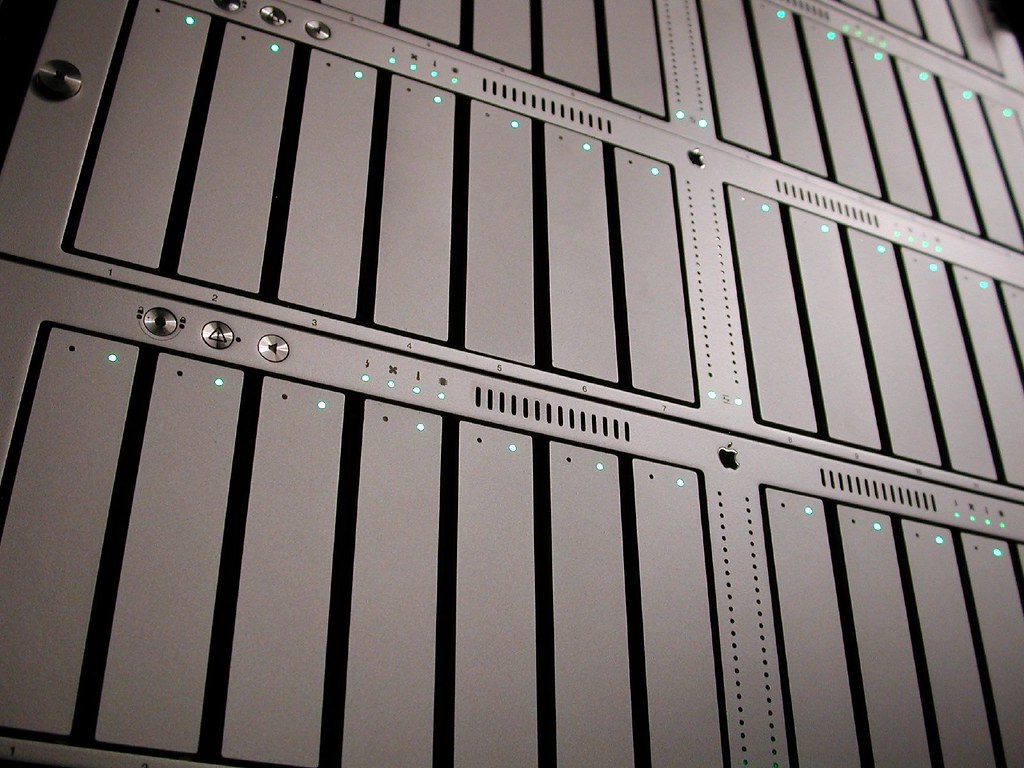
Image credit: "28TB" by jared is licensed under CC BY 2.0. To view a copy of this license, visit https://creativecommons.org/licenses/by/2.0/. Source: https://www.flickr.com/photos/35468148654@N01/99991779 License: https://creativecommons.org/licenses/by/2.0/
পরিবর্তন ও recovery পথ বোঝা থাকলেই maintenance window কাজে লাগে। dependency তালিকা করুন, restore-যোগ্য backup যাচাই করুন, সম্ভব হলে staging-এ update পরীক্ষা করুন, ব্যবহারকারীকে জানান এবং কাজের আগে rollback trigger ঠিক করুন। এই নির্দেশিকায় বিষয়টিকে বাংলাদেশের একটি দলের জন্য ব্যবহারিক পর্যালোচনায় রূপ দেওয়া হয়েছে, যাতে যাচাইগুলো নথিভুক্ত ও পুনরাবৃত্তি করা যায়।
Start with the real need
server পরিচালনায় জানা baseline, নিয়ন্ত্রিত change process এবং পরীক্ষিত recovery পথ দরকার। upgrade, patch বা migration-এর আগে capacity ও dependency নথিভুক্ত করুন; dashboard স্বাভাবিক দেখালেই application ও data restore করা যাবে—এটি প্রমাণ হয় না। “পরীক্ষিত rollback-সহ server maintenance পরিকল্পনা” বিষয়ে পরিবর্তনের আগে বর্তমান অবস্থা লিখুন: দায়িত্বপ্রাপ্ত ব্যক্তি, সংশ্লিষ্ট system, গ্রাহকের ওপর প্রভাব এবং উন্নতি বোঝার প্রমাণ। এতে ভালো ধারণাও পরিমাপহীন পরিবর্তনে পরিণত হবে না।
A practical workflow
- কাজে লাগবে এমন threshold-এ alert দিন এবং on-call দায়িত্বপ্রাপ্তের কাছে পাঠান।
- application data restore করে recovery-এর পর service যাচাই করুন।
- operating system, runtime, storage, network dependency ও support-এর মেয়াদ তালিকাভুক্ত করুন।
- আগে test environment-এ পরিবর্তন করুন এবং rollback ধাপ রাখুন।
- সিদ্ধান্ত, পরীক্ষার ফল, দায়িত্বপ্রাপ্ত ব্যক্তি এবং rollback বা follow-up কাজের তারিখসহ নথি রাখুন।
Plan for Bangladesh-based visitors and teams
আপনার audience যে network ও device ব্যবহার করে, সেখান থেকে অভিজ্ঞতা যাচাই করুন। যোগাযোগ, মূল্য, সেবার সীমা ও পরবর্তী ধাপ সহজে খুঁজে পাওয়ার ব্যবস্থা রাখুন; desktop-এ সফল পরীক্ষা সবার অভিজ্ঞতা ধরে নেওয়া যায় না। ব্যক্তিগত তথ্য সুরক্ষিত রাখুন, কাজের জন্য প্রয়োজনীয় তথ্যই সংগ্রহ করুন এবং সহায়তা চাওয়ার স্পষ্ট উপায় দিন। server পরিচালনায় জানা baseline, নিয়ন্ত্রিত change process এবং পরীক্ষিত recovery পথ দরকার। upgrade, patch বা migration-এর আগে capacity ও dependency নথিভুক্ত করুন; dashboard স্বাভাবিক দেখালেই application ও data restore করা যাবে—এটি প্রমাণ হয় না।
Measure and improve
capacity headroom, patch-এর বয়স, incident পুনরাবৃত্তি, restore-এর সময় ও service response-এর প্রমাণ পর্যালোচনা করুন। কাজ শুরুর আগেই baseline ও review date ঠিক করুন। ফল মিশ্র হলে সমস্যার ধাপ অনুসন্ধান করুন; তথ্য সমর্থন করে না এমন দাবি না করে অনিশ্চয়তা নথিভুক্ত করুন। provider, application বা দলের পরিবর্তনের পর আবার যাচাই করুন।
How BOSS Solution can help
BOSS Solution-এর server service বাছার আগে operating requirement, management responsibility ও প্রকাশিত limit তুলনা করুন। এই লেখা সাধারণ নির্দেশনা; provider-এর documentation, আইনি পরামর্শ বা security assessment-এর বিকল্প নয়।
ছবির স্বীকৃতি: "28TB" by jared is licensed under CC BY 2.0. To view a copy of this license, visit https://creativecommons.org/licenses/by/2.0/. উৎস: https://www.flickr.com/photos/35468148654@N01/99991779 লাইসেন্স: https://creativecommons.org/licenses/by/2.0/